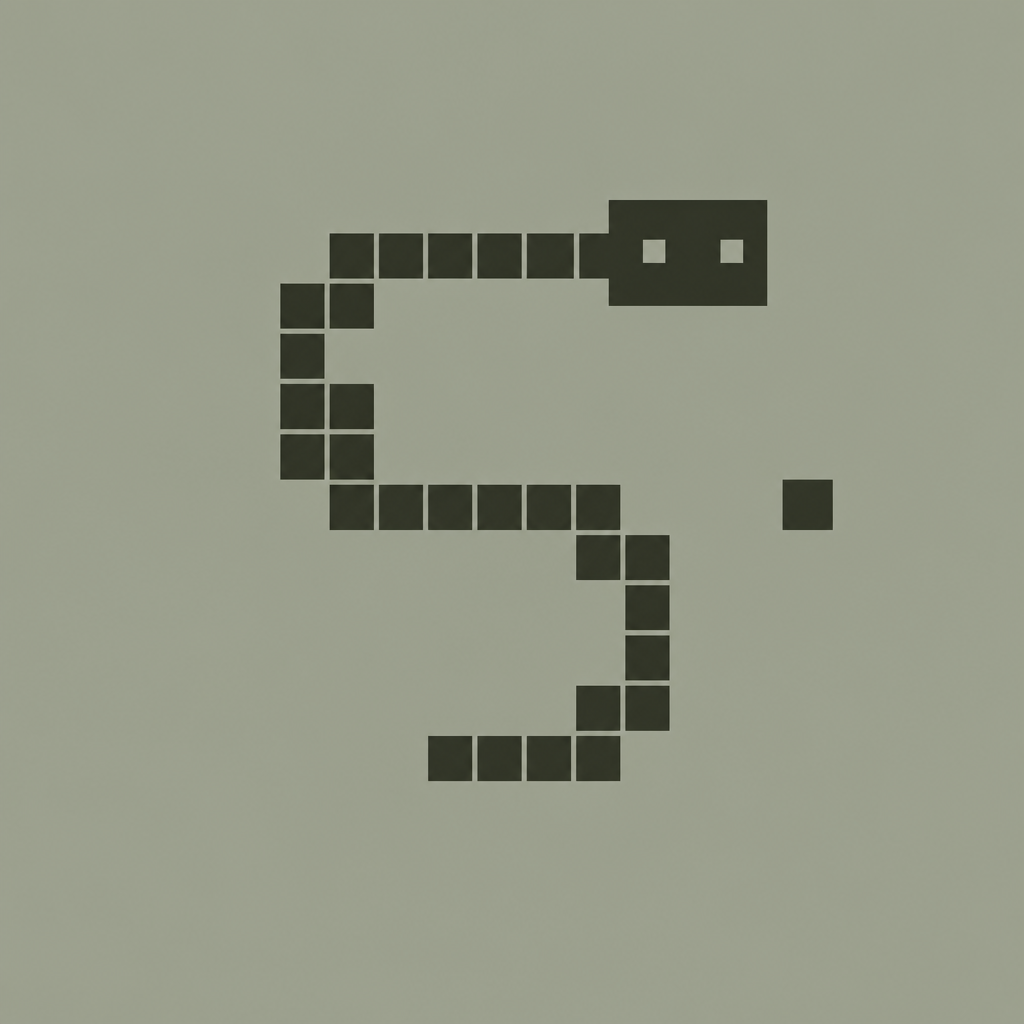
How to play Snake
Snake is a simple reflex puzzle: steer a growing snake, eat food, avoid collisions, and beat your high score. This guide explains every rule in this version so you can play confidently on phone or desktop.
Goal
Collect as many points as possible before the round ends. Points come from regular food and occasional timed bonuses. Your best score is stored on your device so you can try to beat it later.
Controls
- Phone / tablet: swipe up, down, left, or right on the game board.
- Desktop: arrow keys or W A S D. Number keys 2 / 4 / 6 / 8 also work.
- Boost: hold Space (or 5) to temporarily move faster.
- You cannot reverse directly into yourself (for example, right then immediately left).
Field modes
Wrap
The default classic mode. Leaving one edge of the board makes the snake reappear on the opposite edge. This is great for learning routes and recovering from tight corners.
Walls
The border is solid. Hitting a wall ends the round immediately. Use this mode when you want a stricter challenge and cleaner “one mistake and you’re done” tension.
Food, growth, and score
Dark food blocks appear on empty cells. Eating one:
- adds points equal to your current speed level,
- grows the snake by one segment,
- spawns a new food somewhere safe.
Speed starts at level 1 (slow) and increases every two foods eaten, up to level 9. Higher speed levels award more points per food — but mistakes become costlier.
Bonus items
After every five foods, a blinking bonus appears for a few seconds. Catching it awards extra points that shrink as time runs out. Importantly, bonuses do not grow the snake, so they are a high-value, low-risk pickup when your snake is already long.
If a bonus expires untouched, the next bonus becomes slightly more valuable.
How a round ends
- Colliding with your own body ends the game.
- In walls mode, hitting the border also ends the game.
- After game over, tap or press Enter to replay with the same field setting.
Installing for offline play
On many phones you can open the play page and use the browser menu → Add to Home Screen. After the first load, the game can keep working offline thanks to its service worker cache.